Did you know that Microsoft Office online can use either Microsoft Office format (docx, pptx, xlsx) or OpenDocument format (odt, odp, ods)? I didn’t until a commenter pointed it out.
You can change the default file formats for Office documents from your OneDrive Settings. There is an option called Office file formats.
Yovko Lambrev
If you visit the OneDrive settings on their website there is an option to change between the two formats.
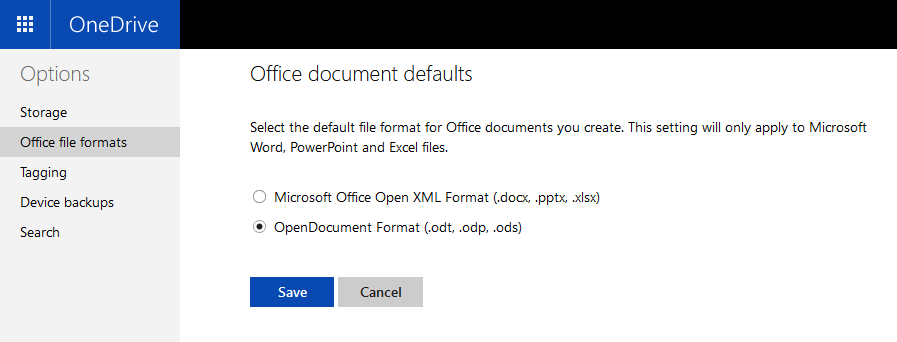
Then if you create a new “Word document” by right-clicking in OneDrive
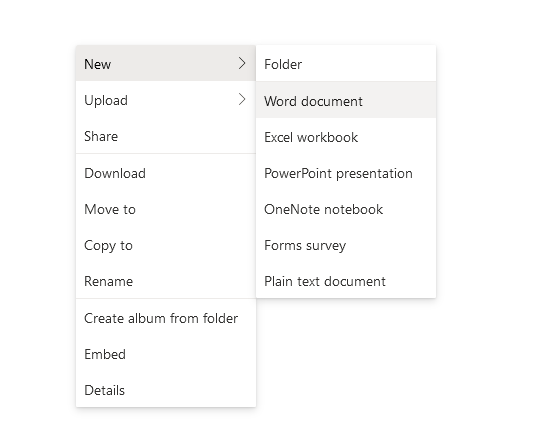
It’s actually a OpenDocument ODT file!
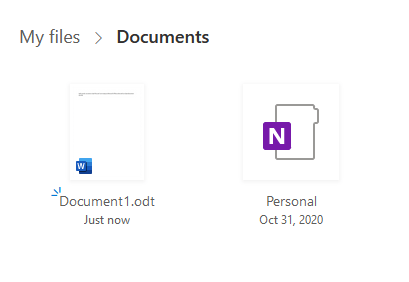
Then you can click on it to open it in Word online.

Pretty neat!
 Kyle Piira